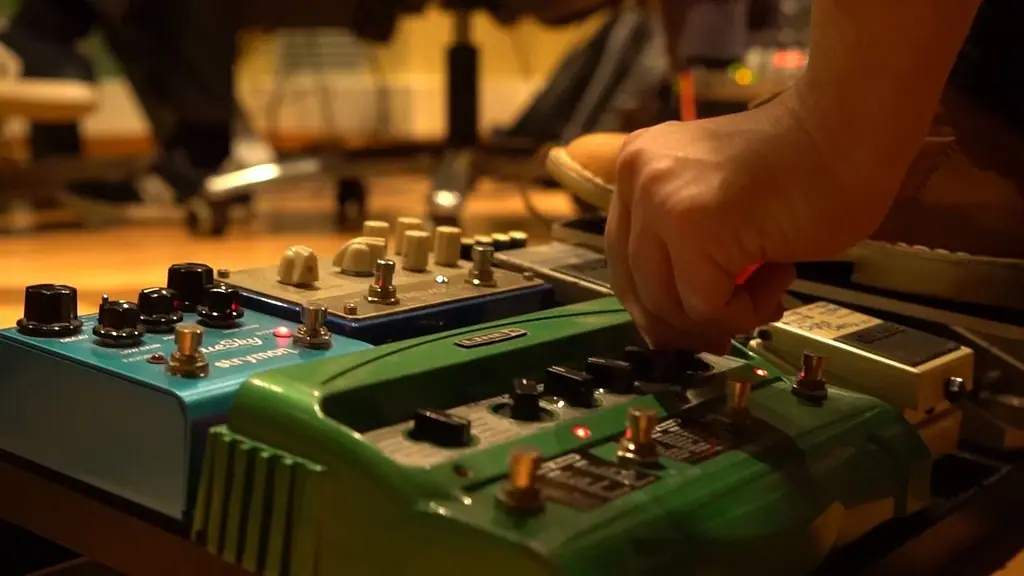
A wall of colorful boxes in a music store can make effects look like a secret language. Every pedal has three or four knobs with names like "rate", "feedback" or "sustain", and the same sound can be sold under half a dozen different names. It is hard to know what you are hearing in a recording, let alone what you would need to get there.
The good news is that almost every effect belongs to one of a handful of families, and each family works on one property of the sound: how loud it is, how distorted it is, which frequencies are emphasized, or how it moves in time. Once you know the families, any pedal you meet is a variation on something you already understand.
This guide explains what each common type does, what its main controls mean, how to put pedals in order, and how to power them safely. It ranks nothing; the goal is that you can listen to a pedal and know what it is doing.
How a pedal fits into your rig
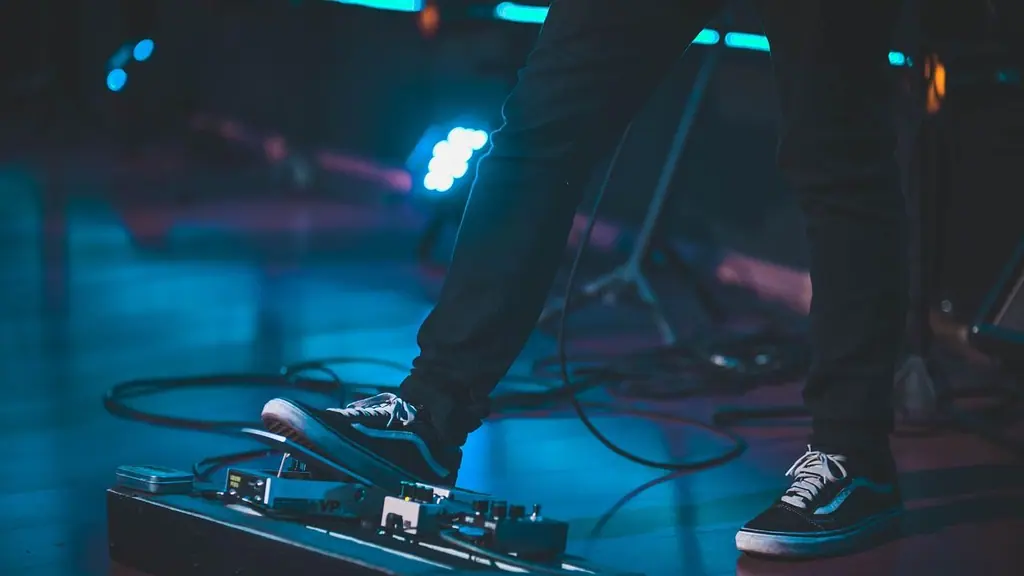
An effects pedal sits between your guitar and your amplifier. The cable from the guitar goes into the pedal's input, and a second cable runs from the pedal's output to the amp (or to the next pedal). When the pedal is off, the signal passes through more or less untouched; when it is on, the circuit changes the sound before the amp hears it.
Three ideas are useful before looking at individual effects:
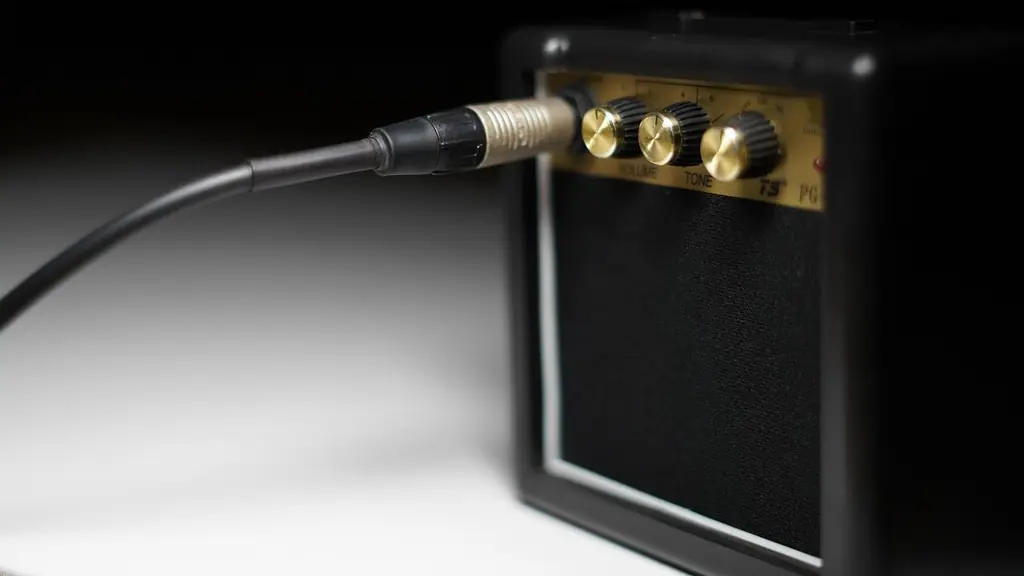
- Pedals process the signal; the amp still shapes the result. The same overdrive sounds different into a small practice amp than into a large clean one. If you are still choosing an amplifier, our guide to choosing a guitar amp explains how size and type affect this.
- Order matters. Distortion after a delay distorts the echoes too; delay after distortion repeats a distorted note cleanly. We cover the usual order below.
- Multi-effects units and modelers put many effects in one box. Everything here applies to them too.
The effect families at a glance
Roland groups guitar effects by what they act on: level and dynamics, time, and frequency. The table below uses a slightly more practical grouping that most players recognize.
| Family | Effects | What changes | Typical controls |
|---|---|---|---|
| Gain | Boost, overdrive, distortion, fuzz | How hard the signal is driven, and how much it clips | Gain or drive, tone, level |
| Dynamics | Compressor, noise gate, volume pedal | The difference between loud and quiet | Sustain or threshold, attack, level |
| Filter and EQ | Wah, envelope filter, EQ | Which frequencies are emphasized | Rocker or sensitivity, frequency bands |
| Modulation | Chorus, flanger, phaser, tremolo, vibrato | A setting that moves up and down repeatedly | Rate (speed), depth, sometimes feedback |
| Pitch | Octave, pitch shifter, harmonizer | The pitch of the note | Interval, blend |
| Time | Delay, reverb | Repeats and reflections after the note | Time or decay, feedback, mix |
| Utility | Tuner, looper, buffer | No tonal effect (mostly) | Varies |
Gain: boost, overdrive, distortion and fuzz
Gain pedals are the most common first pedal, and the family where names overlap most.
- Boost turns the signal up. A clean boost makes a solo louder or pushes an amp that is already close to breaking up into mild distortion.
- Overdrive imitates the sound of an amplifier pushed beyond its clean range. It is the mildest of the three distortion types and usually reacts strongly to how hard you pick: play softly and it cleans up, dig in and it growls.
- Distortion uses more gain and clips the signal harder, from crunch to the dense, sustained sound of heavy rock and metal. It is less sensitive to picking dynamics than overdrive.
- Fuzz is the rawest of the three: a heavily clipped, buzzy sound with a lot of sustain. Many fuzz circuits, particularly older designs, are sensitive to what comes before them, and Roland notes that fuzz usually performs best at the front of the chain, feeding a clean amp.
The differences between these three are a subject of their own, including how clipping changes a waveform and why some players stack two drive pedals. Our article on fuzz, overdrive and distortion goes into that in detail.
Controls: gain or drive sets how much distortion you get; level or volume sets the output when the pedal is on (match it to the bypassed volume, then raise it if you want a lift for solos); tone tilts the sound brighter or darker.
Dynamics and filters: compressor, gate, wah
Compressor. A compressor narrows the difference between your loudest and quietest notes. Hard-picked notes are turned down, and soft notes come up relatively, so the sound is more even and notes seem to last longer. The main controls are sustain or threshold (how much compression), attack (how quickly it reacts, which decides whether the initial pick "click" comes through) and level. Too much compression flattens the life out of your playing, so start low.
Noise gate. A gate mutes the signal when it falls below a threshold. With high-gain sounds, it cuts the hiss and hum you hear between phrases. Set the threshold too high and it will chop off the tails of your notes.
Volume pedal. A rocker that works like the guitar's volume knob. It is used for swelling notes in from silence, and for turning the whole rig down between songs.
Wah. A wah is a filter that boosts a narrow band of frequencies, and the rocker sweeps that band up and down. Heel down emphasizes the low mids for a dark, throaty tone; toe down moves the band up for a bright, cutting tone. Rocking between them in rhythm produces the vowel-like "wah" sound that gives the pedal its name. An envelope filter or auto-wah sweeps the same kind of filter automatically, following how hard you pick.
EQ pedal. A graphic or parametric equalizer boosts or cuts chosen frequency bands. It can correct a boomy or harsh sound, or act as a solo boost.
Modulation: chorus, flanger, phaser, tremolo and vibrato
Modulation effects take one setting and move it up and down continuously with a slow oscillator. Two controls appear on nearly all of them: rate (how fast the movement repeats) and depth (how far it moves).
- Chorus mixes your signal with a copy that is very slightly delayed, and the delay time drifts back and forth. The drifting copy is very slightly out of tune with the original, which suggests several guitars playing together. Subtle settings thicken clean chords; deep settings sound seasick on purpose.
- Flanger also uses a very short, moving delay, but feeds part of the output back into the input. The result is a sweeping, jet-plane "whoosh", strongest on distorted sounds and cymbal-like high frequencies. A feedback or resonance knob sets how pronounced it is.
- Phaser passes the signal through a set of filters that shift the phase of some frequencies; mixed back with the original, those frequencies cancel. Sweeping the cancellations up and down gives a smooth, swirling sound that is gentler than a flanger.
- Tremolo moves the volume up and down, from a gentle shimmer to a choppy, on-off pulse. Some tremolos let you choose the wave shape (smooth or square).
- Vibrato moves the pitch up and down instead of the volume.
The names are often muddled: the "tremolo arm" on many electric guitars actually bends pitch, which is vibrato. Trust your ears: if the volume pulses, it is tremolo; if the pitch wobbles, it is vibrato.
Pitch effects
Octave pedals add a note one or two octaves below or above the one you play; a low octave blended in makes a single guitar line sound like guitar and bass together. Pitch shifters move the whole signal by a chosen interval, which can be used to play in a lower tuning without retuning. Harmonizers add a second note at an interval that follows a chosen key, so that a melody comes out in harmony.
Pitch effects need a clean, clear note to track, so they work best early in the chain and with single notes.
Time effects: delay and reverb
Delay records your signal and plays it back after a set time, as one or more echoes. The controls are:
- Time: the gap between the note and the echo, usually in milliseconds (ms). A single short echo, roughly a tenth of a second after the note, gives the "slapback" sound associated with early rock and roll and rockabilly; longer times produce distinct, rhythmic echoes.
- Feedback or repeats: how many echoes you hear before they fade.
- Mix or level: how loud the echoes are relative to your playing.
Analog delays (traditionally built with "bucket-brigade" chips) and tape-style delays give darker, softer repeats; digital delays can give exact copies. Many delays have tap tempo, a footswitch you tap in time to set the delay time.
To set a delay that echoes exactly once per beat, divide 60,000 by the tempo in beats per minute (BPM). At 120 BPM, one beat lasts 500 ms; at 90 BPM, about 667 ms. Half of that value gives echoes on the eighth notes.
Try this: set the metronome to 100 BPM and your delay to 600 ms (60,000 ÷ 100), with two or three repeats. Play one short note on each click for two minutes and listen to the echoes land on the next click. Then halve the delay to 300 ms and play on every other click: the echo now fills the gap with an eighth note.
Reverb simulates the reflections of a space. Room and hall settings imitate real spaces; spring reverb copies the metal springs built into many guitar amps; plate reverb copies the large vibrating metal sheets once used in studios. The controls are usually decay (how long the reverb lasts), tone and mix. A little reverb makes a dry amp sound less boxy.
Tuners, loopers and buffers
A tuner pedal usually mutes the signal while it is on, so you can tune silently between songs. A looper records what you play and plays it back in a loop; you can layer parts on top (overdubbing) and practice soloing over your own rhythm guitar. A buffer is a small circuit that keeps the signal strong over long cable runs and many pedals; BOSS points out that signal loss accumulates along a chain of true-bypass pedals, and many pedals include a buffer already.
Putting pedals in order
There is no single correct order, and both StewMac and BOSS say so plainly. But there is a common starting point that works for most rigs, from the guitar to the amp:
- Tuner first, so it sees a clean, strong signal and can mute everything after it.
- Pitch effects and compressor, which work best on a clean, unprocessed note.
- Wah and filters. Many players put the wah before the drive pedals; some prefer it after. Try both.
- Gain pedals, usually lightest to heaviest (boost, overdrive, then distortion). A fuzz often wants to be first of all, with the guitar plugged straight into it.
- Modulation: chorus, flanger, phaser, tremolo.
- Delay, then reverb, last, so that the echoes and reflections apply to everything before them and are not themselves distorted.
If your amplifier has an effects loop (send and return jacks), it lets you place pedals after the amp's own preamp distortion. StewMac suggests it as a good home for delay and reverb when you use the amp's drive channel, and BOSS also points to the loop for keeping delay and reverb clean. Our guide to recording guitar at home covers how the same principles apply in software.
Powering pedals safely
Most compact pedals run on 9 volts of direct current (DC) through a 2.1 mm barrel plug with the center pin negative. That is common, not universal. Before connecting any power supply, check three numbers on the pedal or in its manual:
| Check | What to look for | Why it matters |
|---|---|---|
| Voltage | Usually 9V DC; some pedals take 12V or 18V | Too much voltage can permanently damage a pedal |
| Polarity | Usually center-negative (the symbol shows a minus at the center pin) | Some pedals are center-positive; a mismatch can stop the pedal working or harm it |
| Current | The pedal's draw in milliamps (mA); the supply must provide at least that much | Too little current and the pedal may not start or may cut out |
A few points from manufacturer documentation are worth remembering:
- Never use an AC adapter on a DC pedal, even if the voltage matches.
- Current needs vary widely. Strymon's guidance, for example, gives a minimum of 250 mA for its smaller digital pedals and 300 mA for its larger ones, while noting that one of its analog pedals draws under 20 mA. Supplying more current than a pedal needs is fine; the pedal draws only what it uses.
- Isolated outputs reduce noise. A "daisy chain" cable that runs several pedals from one adapter is convenient, but digital pedals in particular can add hum and noise that way. Power supplies with isolated outputs keep each pedal on its own circuit.
- Batteries still work in many pedals. Unplug the input cable when you stop playing, because on many designs the input jack is what switches the battery on.
Safety: plug pedals in with the amplifier turned down or switched off, and connect power before turning the amp up. Effects can make an amp much louder than you expect; protect your hearing by keeping volume moderate during long sessions.
Building a first setup
You do not need a pedalboard to sound good; plenty of players use only a tuner and the amp's own drive and reverb. When you do add effects, add one at a time. A sensible order of exploration:
- A tuner, which is useful no matter what music you play (see our list of accessories worth having first).
- One gain pedal if your amp has no satisfying drive sound, or a reverb or delay if your amp sounds dry.
- A modulation effect if the music you love uses one: chorus for shimmering clean parts, tremolo for pulsing rhythm, phaser for swirling leads.
When you test any pedal, start with every knob at twelve o'clock, then turn one knob at a time to its extremes and back. Set the level so the effect is no louder than the bypassed sound, unless you want it to be. That one habit teaches you more about effects than any chart. When you are ready for more on the rest of your gear, browse the gear topic, or read about how strings shape your tone before you spend anything on pedals.
Sources
- What Type of Guitar Effects Pedals Do You Need?, Roland
- The Ultimate Guide to Guitar Effects Pedal Order and Signal Chain, BOSS Articles
- How to set up your pedal board signal chain, StewMac
- Gear Guide: Using the Right Power Supply For Your Strymon Pedal, Strymon
- Wah pedals: construction and operating principles, Thomann Online Expert